Creates a rayrender camera that can be attached to a `ray_scene` with `add_camera()`.
camera(
  lookfrom = c(0, 1, -10),
  lookat = c(0, 0, 0),
  camera_up = c(0, 1, 0),
  fov = 20,
  aperture = 0.1,
  focal_distance = NULL,
  ortho_dimensions = c(1, 1),
  motion = NULL,
  keyframe_motion_args = list(),
  name = "camera",
  filename = NA_character_,
  camera_description_file = NA,
  camera_scale = 1,
  iso = 100,
  film_size = 22,
  shutteropen = 0,
  shutterclose = 1,
  camera_motion_blur = FALSE,
  shutter_speed = 2
)
Arguments
- lookfrom
Default `c(0, 1, -10)`. Location of the camera.
- lookat
Default `c(0, 0, 0)`. Location where the camera is pointed.
- camera_up
Default `c(0, 1, 0)`. Vector indicating the up direction of the camera.
- fov
Default `20`. Field of view, in degrees.
- aperture
Default `0.1`. Aperture of the camera.
- focal_distance
Default `NULL`. Focal distance. If `NULL`, this is the distance between `lookfrom` and `lookat`.
- ortho_dimensions
Default `c(1, 1)`. Width and height of the orthographic camera when `fov = 0`.
- motion
Default `NULL`. Camera motion data frame from `generate_camera_motion()`.
- keyframe_motion_args
Default `list()`. Named list of additional arguments passed to `generate_camera_motion()` when pressing `M` in interactive preview to preview the saved keyframes. The saved keyframes always supply the camera positions. Defaults are `type = "spline"`, 30 frames per saved keyframe, and `damp_motion = TRUE`. Press Shift-L in the preview window to toggle the current path between open and closed.
- name
Default `"camera"`. Camera name.
- filename
Default `NA_character_`. Optional output filename or animation filename pattern.
- camera_description_file
Default `NA`. Filename of a realistic camera description file.
- camera_scale
Default `1`. Amount to scale a realistic camera.
- iso
Default `100`. Camera exposure.
- film_size
Default `22`. Film size in millimeters for realistic cameras.
- shutteropen
Default `0`. Time at which the shutter opens.
- shutterclose
Default `1`. Time at which the shutter closes.
- camera_motion_blur
Default `FALSE`. Whether to blur animated camera movement over the shutter interval.
- shutter_speed
Default `2`. Frame-relative shutter speed controlling motion blur. A value of `1` samples the full frame-to-frame motion interval, `2` samples one-half, and `4` samples one-quarter. Higher values produce less motion blur. `Inf` disables temporal motion blur.
Value
A `ray_camera` object.
Examples
# Static camera attached to the scene, equivalent to passing lookfrom/lookat
# directly to render_scene().
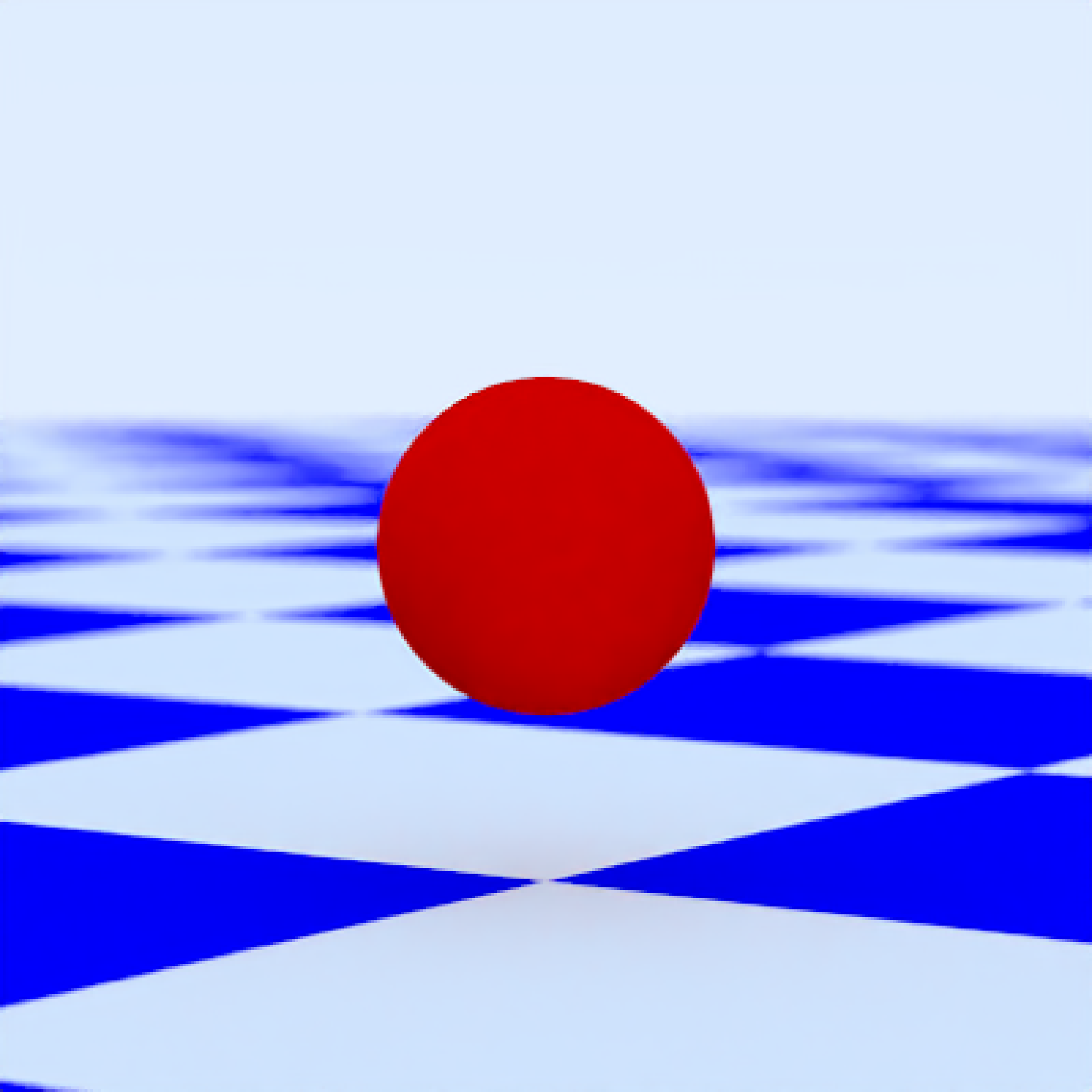
scene = generate_ground(depth = -0.5, material = diffuse(checkercolor = "blue")) |>
add_object(sphere(y = 0.5, radius = 0.5, material = diffuse(color = "red"))) |>
add_camera(camera(
name = "main",
lookfrom = c(7, 1.5, 10),
lookat = c(0, 0.5, 0),
fov = 15,
filename = NA_character_
))
render_scene(scene, samples = 16, parallel = TRUE)
 # Shutter speed is frame-relative: higher values sample a smaller fraction
# of camera/object motion without changing exposure.
fast_shutter_camera = camera(
lookfrom = c(7, 1.5, 10),
lookat = c(0, 0.5, 0),
shutter_speed = 4
)
# Animated camera attached to the scene, equivalent to passing camera_motion
# directly to render_animation().
camera_pos = list(c(0, 1, 15), c(5, -5, 5), c(-5, 5, -5), c(0, 1, -15))
camera_motion = generate_camera_motion(
positions = camera_pos,
lookats = camera_pos,
offset_lookat = 1,
fovs = 80,
frames = 12,
type = "bezier"
)
animated_scene = generate_ground(material = diffuse(checkercolor = "grey20"), depth = -10) |>
add_object(sphere(y = 50, radius = 10, material = light(intensity = 30))) |>
add_object(path(camera_pos, y = -0.2, material = diffuse(color = "red"))) |>
add_camera(camera(
name = "flythrough_blur",
motion = camera_motion,
camera_motion_blur = TRUE,
shutter_speed = 2
)) |>
add_camera(camera(
name = "flythrough_no_blur",
motion = camera_motion,
camera_motion_blur = FALSE
)) |>
add_camera(camera(
name = "flythrough_medium_blur",
motion = camera_motion,
camera_motion_blur = FALSE,
shutter_speed = 4
))
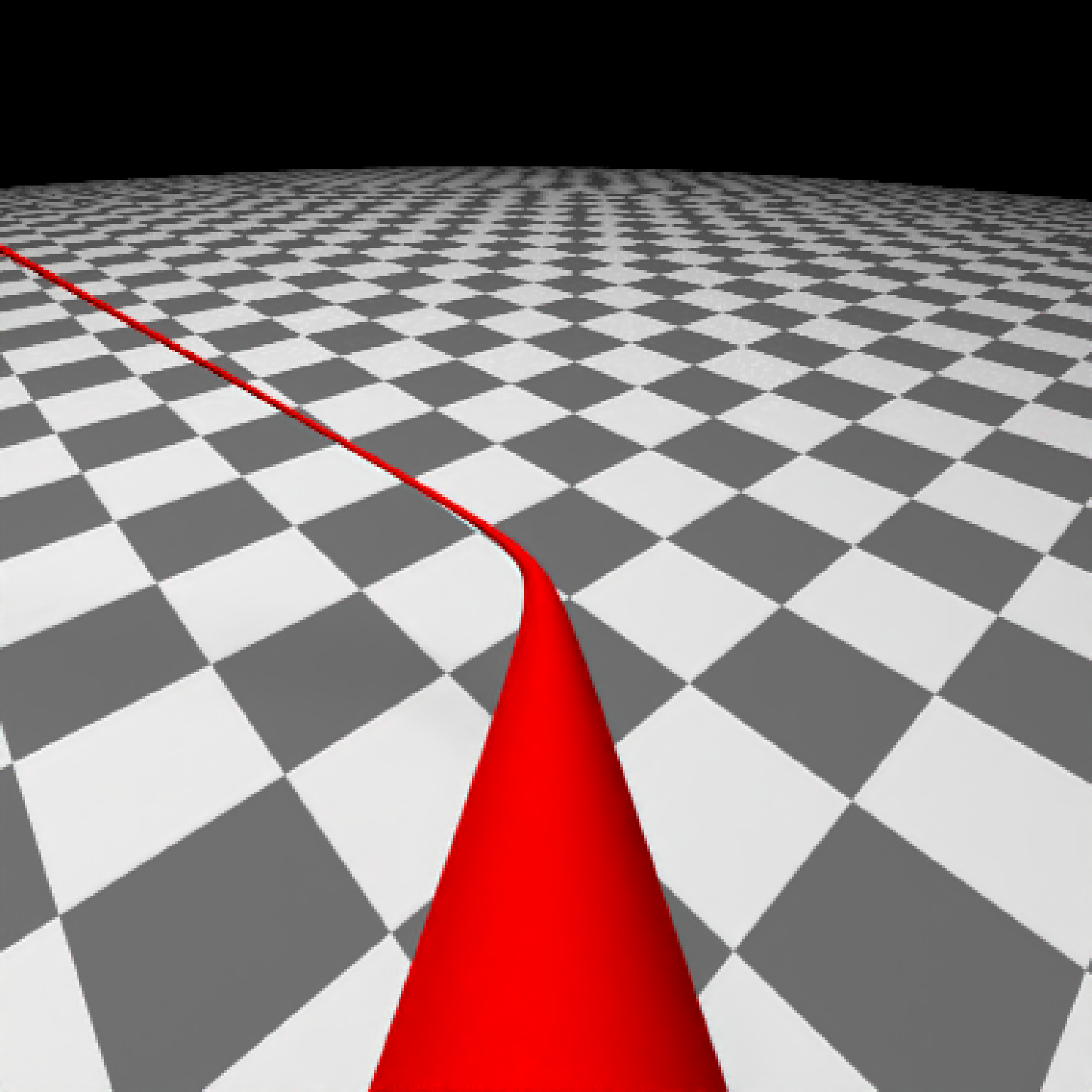
#We can render these individual cameras by calling out their specific name in render_scene()
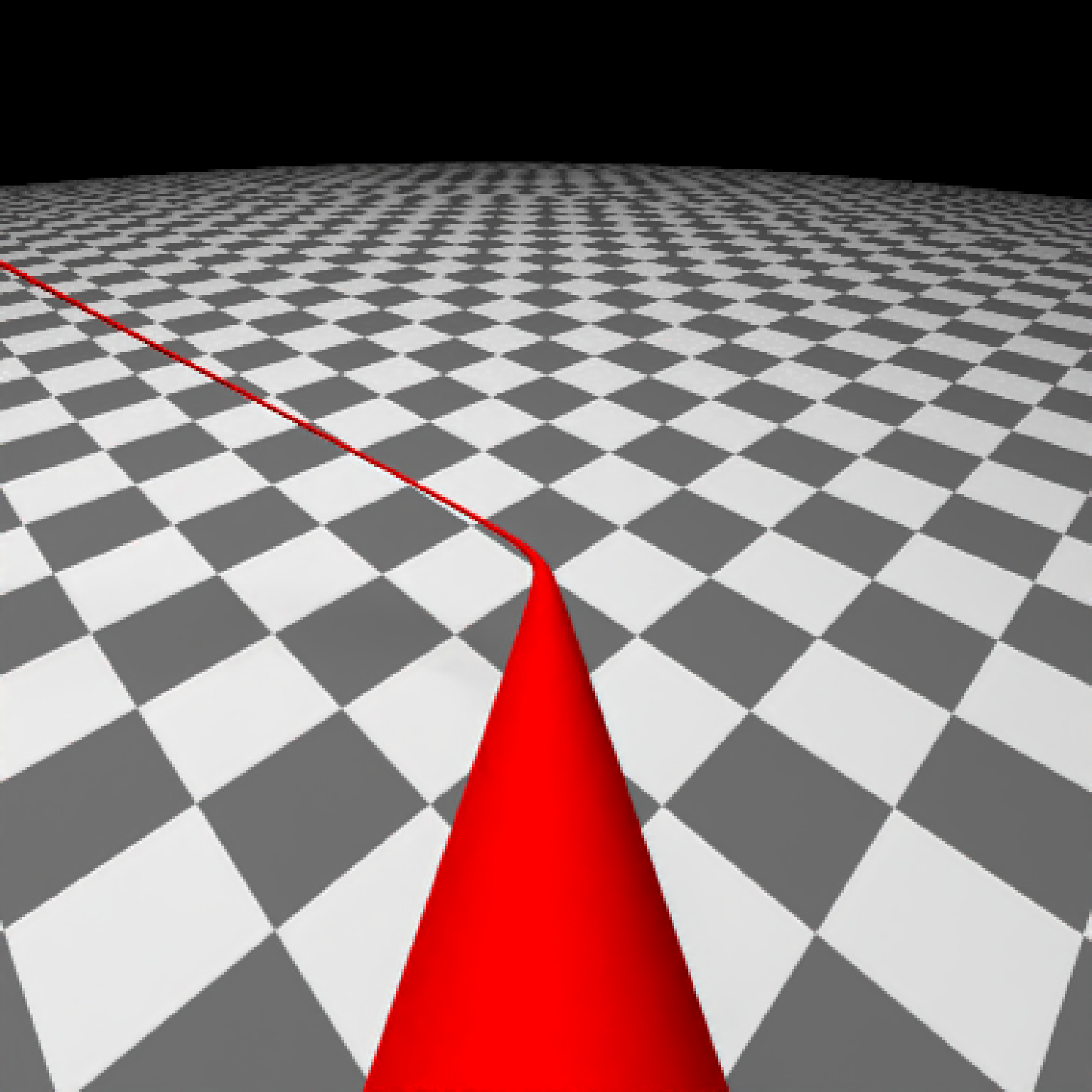
#With no blur
render_scene(
animated_scene,
camera = "flythrough_no_blur",
mode = "animation",
samples = 16,
start_frame = 1,
end_frame = 2,
sample_method = "sobol_blue",
clamp_value = 10,
width = 400,
height = 400
)
# Shutter speed is frame-relative: higher values sample a smaller fraction
# of camera/object motion without changing exposure.
fast_shutter_camera = camera(
lookfrom = c(7, 1.5, 10),
lookat = c(0, 0.5, 0),
shutter_speed = 4
)
# Animated camera attached to the scene, equivalent to passing camera_motion
# directly to render_animation().
camera_pos = list(c(0, 1, 15), c(5, -5, 5), c(-5, 5, -5), c(0, 1, -15))
camera_motion = generate_camera_motion(
positions = camera_pos,
lookats = camera_pos,
offset_lookat = 1,
fovs = 80,
frames = 12,
type = "bezier"
)
animated_scene = generate_ground(material = diffuse(checkercolor = "grey20"), depth = -10) |>
add_object(sphere(y = 50, radius = 10, material = light(intensity = 30))) |>
add_object(path(camera_pos, y = -0.2, material = diffuse(color = "red"))) |>
add_camera(camera(
name = "flythrough_blur",
motion = camera_motion,
camera_motion_blur = TRUE,
shutter_speed = 2
)) |>
add_camera(camera(
name = "flythrough_no_blur",
motion = camera_motion,
camera_motion_blur = FALSE
)) |>
add_camera(camera(
name = "flythrough_medium_blur",
motion = camera_motion,
camera_motion_blur = FALSE,
shutter_speed = 4
))
#We can render these individual cameras by calling out their specific name in render_scene()
#With no blur
render_scene(
animated_scene,
camera = "flythrough_no_blur",
mode = "animation",
samples = 16,
start_frame = 1,
end_frame = 2,
sample_method = "sobol_blue",
clamp_value = 10,
width = 400,
height = 400
)
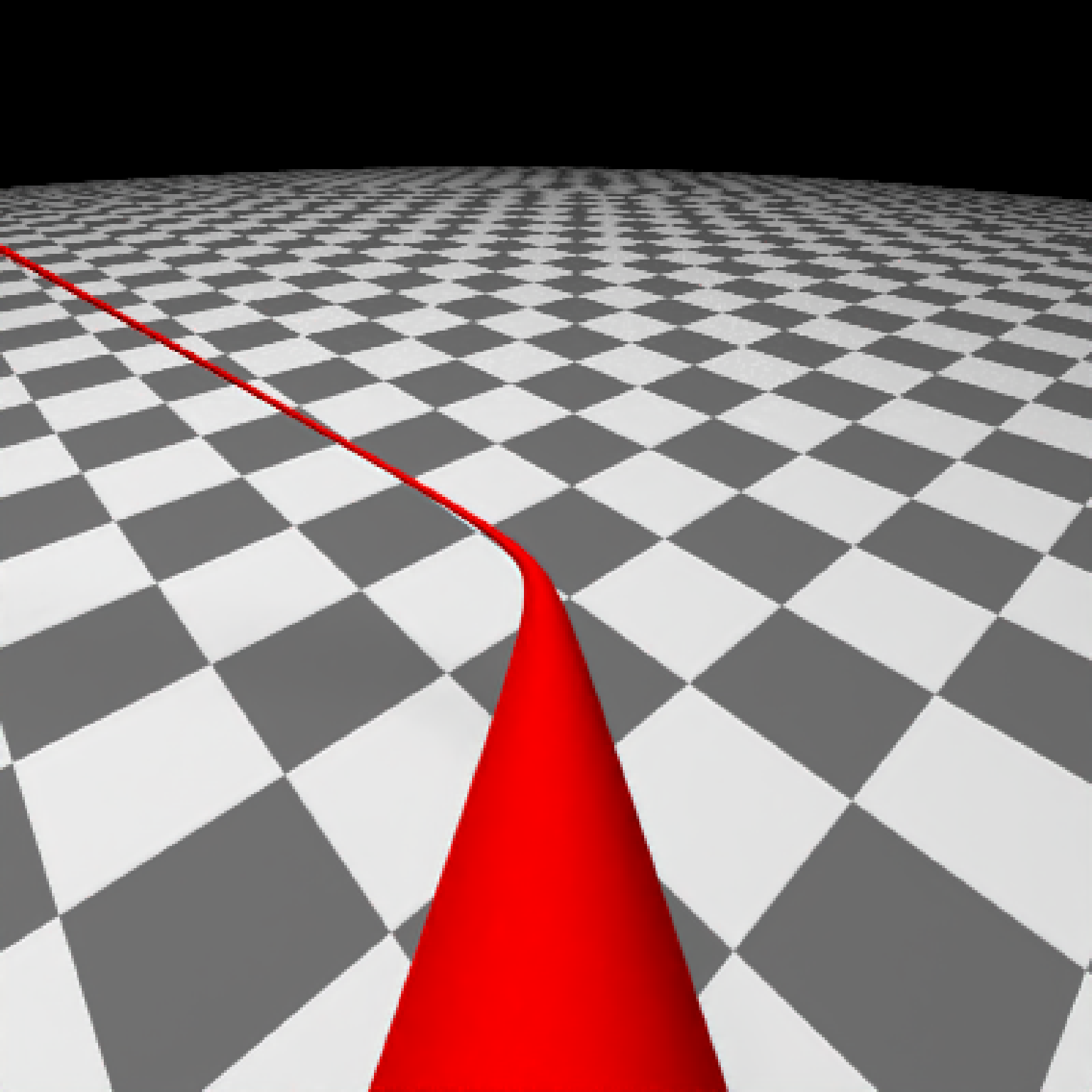
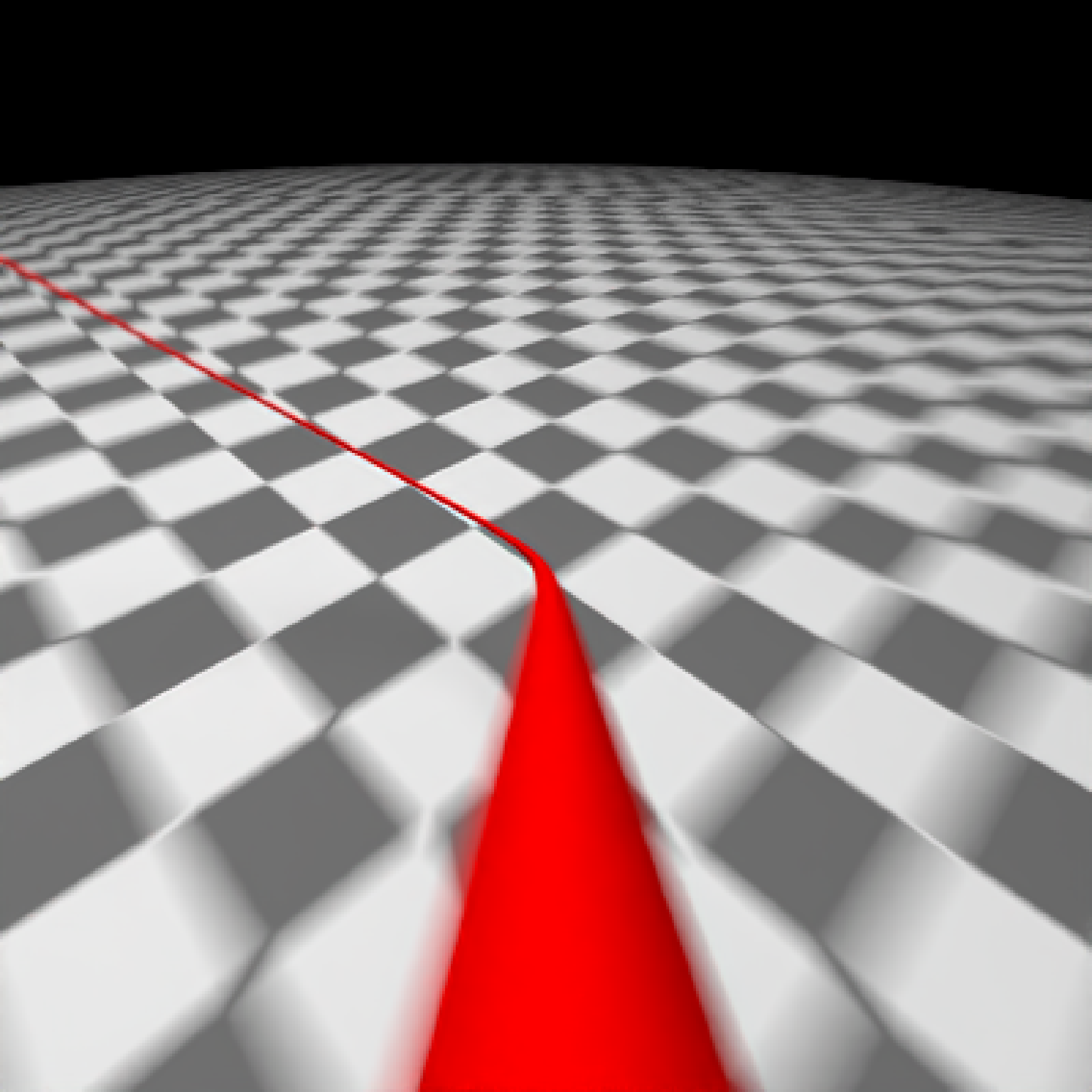
 #Now, with blur
render_scene(
animated_scene,
camera = "flythrough_blur",
mode = "animation",
samples = 16,
start_frame = 1,
end_frame = 2,
sample_method = "sobol_blue",
clamp_value = 10,
width = 400,
height = 400
)
#Now, with blur
render_scene(
animated_scene,
camera = "flythrough_blur",
mode = "animation",
samples = 16,
start_frame = 1,
end_frame = 2,
sample_method = "sobol_blue",
clamp_value = 10,
width = 400,
height = 400
)
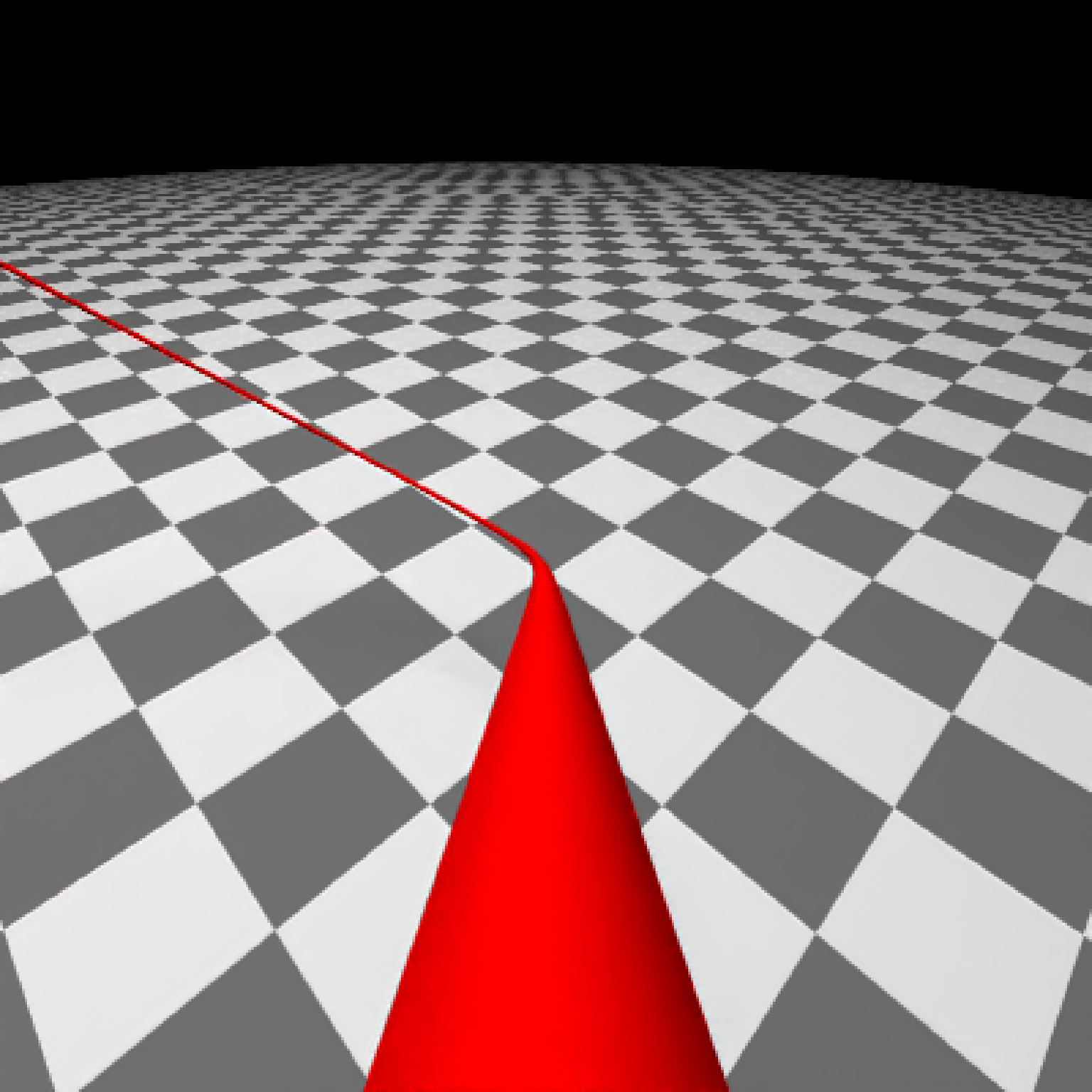
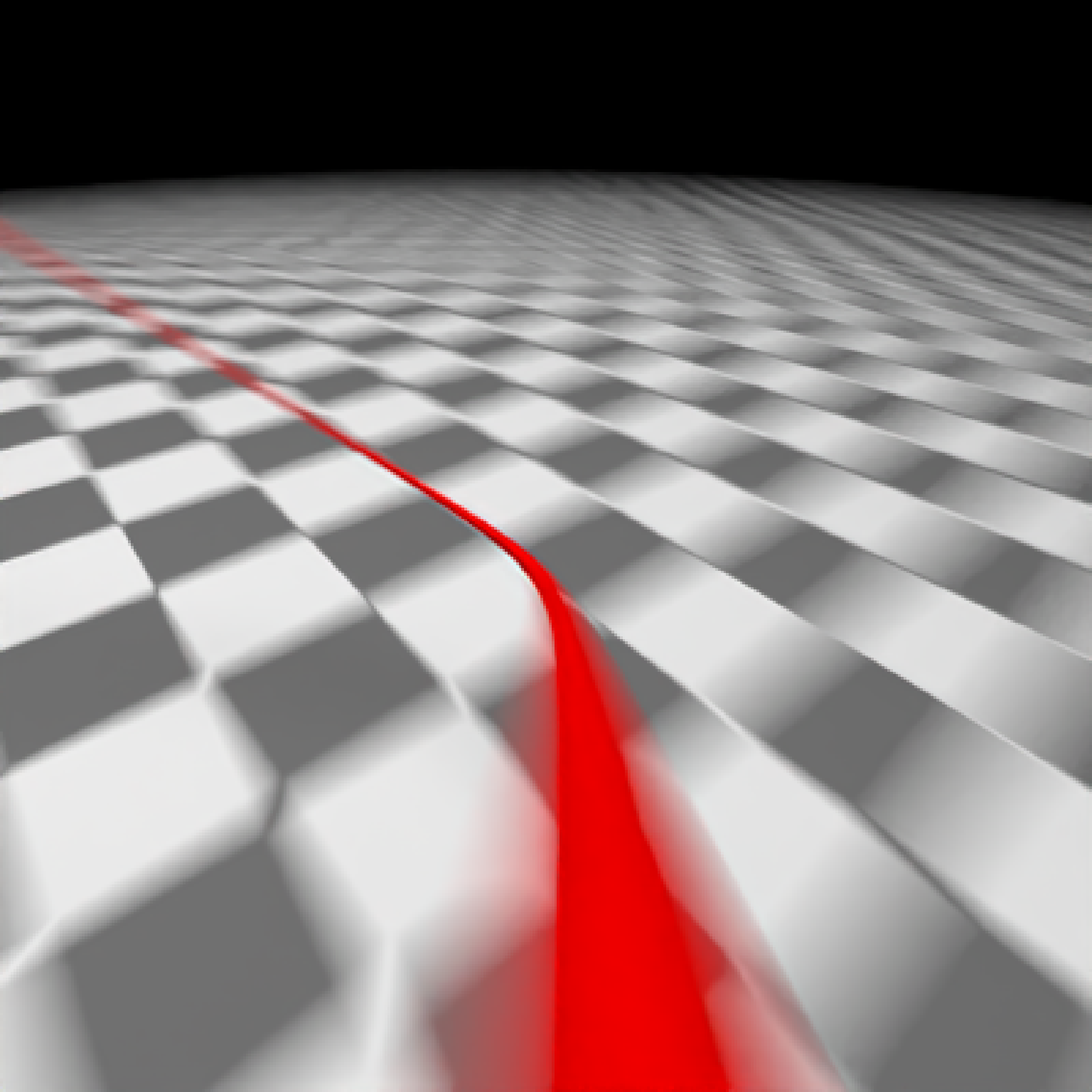 #Now, with less blur
#' #Now, with blur
render_scene(
animated_scene,
camera = "flythrough_medium_blur",
mode = "animation",
samples = 16,
start_frame = 1,
end_frame = 2,
sample_method = "sobol_blue",
clamp_value = 10,
width = 400,
height = 400
)
#Now, with less blur
#' #Now, with blur
render_scene(
animated_scene,
camera = "flythrough_medium_blur",
mode = "animation",
samples = 16,
start_frame = 1,
end_frame = 2,
sample_method = "sobol_blue",
clamp_value = 10,
width = 400,
height = 400
)